
How judging software is changing for 2026
Online contests aren’t what they used to be. What started as simple giveaways on social media have evolved into large-scale events with hundreds, even thousands, of entries. This growth has created a real need for dedicated contest management platforms. It's no longer practical—or fair—to manage everything with spreadsheets and email chains. The stakes are higher, too. Many contests now offer substantial prizes, which means the judging process needs to be transparent and defensible.
We’re also seeing a significant shift towards remote judging panels. This offers access to a wider range of expertise, but it introduces new challenges around communication, collaboration, and ensuring fairness. Traditional judging methods simply don’t scale well when judges are spread across different time zones and locations. This is where specialized software really shines.
By 2026, contest organizers will need tools that do more than just collect entries. Integrity is the main goal here. We need systems that handle weighted scoring and bias prevention without making the process a headache for judges. I've looked at the top contenders to see which ones actually deliver on these requirements.
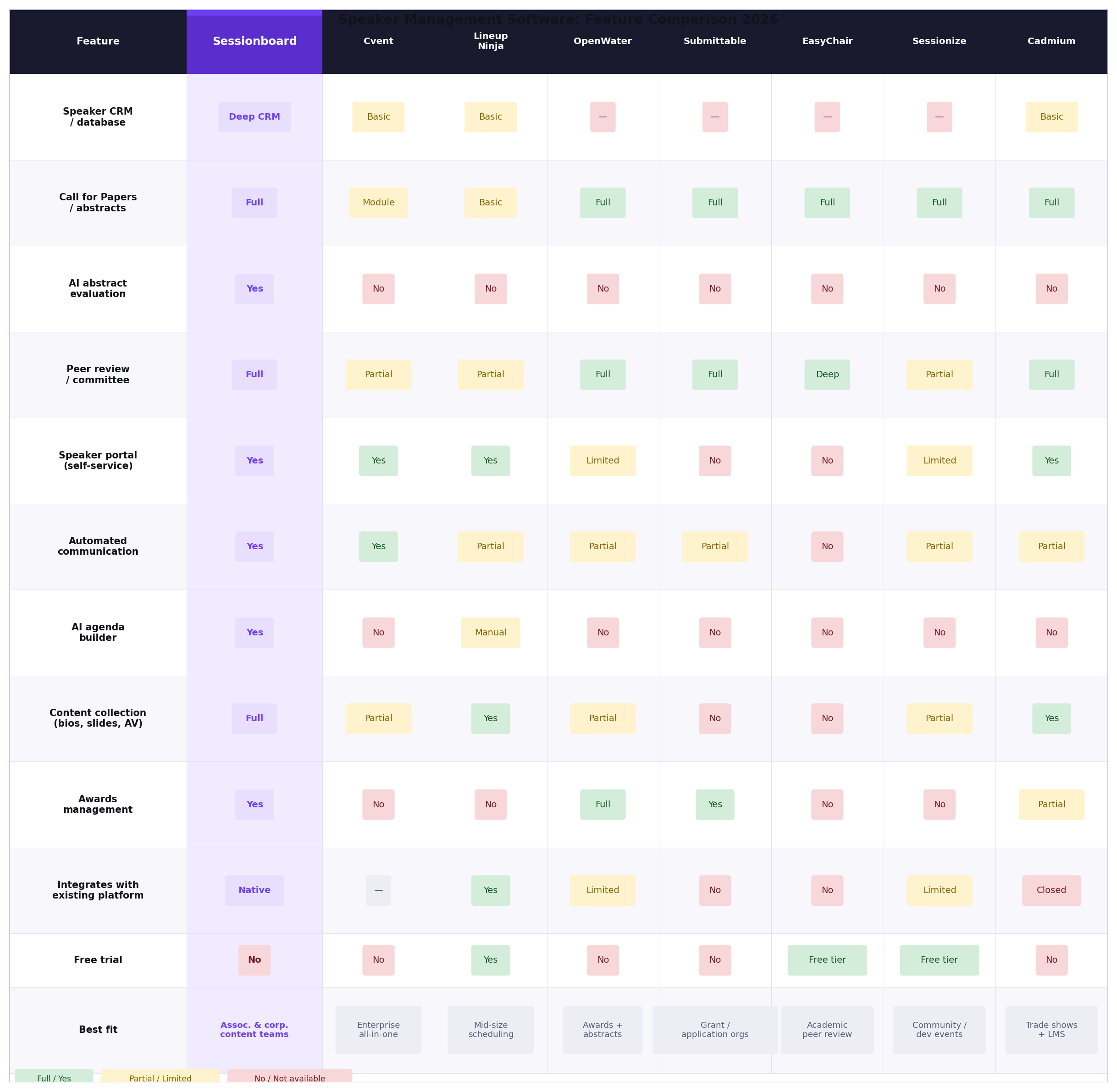
The 15 platforms we tested
We put 15 contest management platforms through their paces, evaluating them based on features relevant to judging, scoring, and overall competition organization. Here’s a detailed look at each one, covering key features, pricing (where available), and notable pros and cons. Keep in mind that pricing can change, so these figures are current as of late 2024.
Judgify: Judgify positions itself as an all-in-one solution for contests, awards, and abstract management. It offers features like submission management, branding options, and a robust judging workflow. Their scoring and reporting tools are quite advanced, allowing for weighted criteria and detailed analytics. Pricing isn't publicly listed, so you need to contact them for a quote. A strong option for complex competitions.
Evalato: Evalato focuses on awards management specifically. It provides tools for submission collection, judging, and winner selection. They emphasize features like automated reminders and detailed scoring rubrics. Evalato offers various plans starting around $299 per month, depending on the number of submissions. It's a solid choice for established awards programs.
AwardStage: AwardStage is another dedicated awards platform. It's known for its user-friendly interface and customizable branding options. It supports multiple judging rounds and offers features for public voting. Pricing starts at $499 per award program. It's a good fit for organizations running annual awards.
SmarterEntry: SmarterEntry caters to a wider range of contests, including photo contests, essay contests, and sweepstakes. It offers features like online entry forms, automated email communication, and basic judging tools. Plans start around $29 per month. It's a more affordable option for smaller contests.
Submittable: Submittable is a popular platform for grant applications and creative submissions. While not specifically designed for contests, it can be adapted for that purpose. It offers robust submission management features and a flexible workflow. Pricing starts at $99 per month. It’s better suited for events that are less contest-focused and more about collecting submissions.
FilmFreeway: Primarily known for film festival submissions, FilmFreeway also offers tools for managing film contests. It provides features like online screening and judging. The platform charges a small fee per submission. It’s a natural choice for film-related competitions.
Eventbrite (for contests): Eventbrite is primarily an event ticketing platform, but it can be used to manage simple contests. You can create an event listing and use the ticketing features to collect entries. It lacks dedicated judging tools, so you’ll need to manage that separately. Pricing is based on a percentage of ticket sales.
Jotform: Jotform is an online form builder that can be used to create contest entry forms. It offers a wide range of form templates and customization options. You’ll need to integrate it with other tools for judging and scoring. Pricing starts at $39 per month. It's a good option for simple contests with limited judging requirements.
SurveyMonkey (with add-ons): SurveyMonkey is a popular survey platform that can be used to collect contest entries and gather feedback from judges. You’ll need to use add-ons or integrations to manage the judging process effectively. Pricing starts at $25 per month. It's best for contests that rely heavily on survey data.
Qualtrics: Qualtrics is a more sophisticated survey platform that offers advanced analytics and reporting features. It can be used to manage complex contests with detailed scoring criteria. Pricing is available upon request. It's a powerful tool but can be expensive.
Google Forms (with add-ons): Google Forms is a free online form builder that can be used to create simple contest entry forms. You’ll need to use add-ons like Form Notifications or AutoKrat to automate tasks and manage the judging process. It’s a budget-friendly option for very basic contests.
Cvent: Cvent is a comprehensive event management platform that includes contest management features. It offers tools for registration, marketing, and judging. Pricing is available upon request. It's a good choice for organizations that already use Cvent for other event management needs.
Awardco: Awardco is focused on employee recognition programs, but their platform can be adapted for internal contests. It offers features like points-based rewards and peer recognition. Pricing is available upon request. It's a niche solution for specific use cases.
OpenWater: OpenWater is a platform geared towards scholarship and grant management. It offers a robust application process and review tools. Pricing isn't publicly available. It’s a very specific platform, not ideal for general contests.
Contest Management Platform Comparison: Judge Experience - 2026 Events
| Platform | Ease of Use (Judge) | Scoring Flexibility | Reporting & Insights | Submission Management |
|---|---|---|---|---|
| Judgify | Good | Excellent | Good | Excellent |
| Evalato | Fair | Good | Fair | Good |
| AwardForce | Good | Good | Fair | Good |
| Submittable | Fair | Fair | Good | Excellent |
| FilmFreeway | Poor | Fair | Poor | Excellent |
| EntryNinja | Good | Good | Fair | Good |
| Qualtrics | Fair | Fair | Excellent | Fair |
| Google Forms (w/ Add-ons) | Poor | Poor | Poor | Fair |
Illustrative comparison based on the article research brief. Verify current pricing, limits, and product details in the official docs before relying on it.
Key differences in scoring and judging
The way these platforms handle scoring and judging varies significantly. Some offer basic scoring options, while others provide advanced features like weighted criteria, blind judging, and rubric-based evaluation. Flexibility is key. You want a platform that can accommodate your specific judging needs.
Evalato and Judgify stand out in this regard, offering highly customizable scoring rubrics and the ability to assign different weights to different criteria. This is particularly useful for complex contests with multiple judging dimensions. Both platforms also support blind judging, where judges don’t see the identity of the entrants, which helps to reduce bias.
A few platforms, like SmarterEntry and Jotform, offer more limited scoring options. They typically rely on simple point-based systems. While this may be sufficient for basic contests, it can be challenging to implement more nuanced evaluation criteria. Google Forms, with add-ons, can become surprisingly robust but requires significant setup.
The ability for judges to provide detailed feedback is also crucial. Platforms like Judgify and Evalato allow judges to leave comments on individual entries, which can be valuable for providing constructive criticism and justifying their scores. This level of detail is often missing in simpler platforms.
- Weighted criteria to assign different values to specific judging categories.
- Blind judging to hide entrant names and photos from the panel.
- Rubric-Based Evaluation: Use pre-defined scoring guidelines.
- Detailed Feedback: Allow judges to provide comments on entries.
Integration & Automation: What Connects?
Integration with other tools is becoming increasingly important. You want a contest management platform that can seamlessly connect with your existing marketing, CRM, and payment systems. APIs are a huge plus.
Evalato and Judgify offer some integration options, but they are not as extensive as some other platforms. Cvent, being a full-fledged event management platform, has the most robust integration capabilities. It can connect with a wide range of third-party tools.
Automation features can save you a significant amount of time and effort. Look for platforms that can automate tasks like sending reminders to judges, generating reports, and notifying winners. Judgify and AwardStage both offer automation features that can streamline the contest process.
Many platforms offer Zapier integrations, which allow you to connect them with thousands of other apps. This can be a valuable workaround if the platform doesn’t offer a direct integration with a specific tool you need.
Essential Gear for Seamless Contest Management

High-speed printing · Plug & Label feature · Prints in black and red
This printer is perfect for quickly creating professional labels for awards, badges, and other event materials.

Full HD 1080p video · Clear stereo audio · Light correction
Ensure clear and professional video communication for virtual judges or remote participants.

Active noise cancellation · Bluetooth wireless · Comfortable design
Provide judges with a comfortable and distraction-free environment for focused evaluation.

Ergonomic design · PostureFit support · Adjustable features
This chair offers superior ergonomic support to keep judges comfortable and focused during long events.
As an Amazon Associate I earn from qualifying purchases. Prices may vary.
Security and compliance
Data security and compliance are paramount, especially when dealing with sensitive information like judge scores and entrant details. You need to choose a platform that takes these issues seriously. Look for platforms that comply with relevant data privacy regulations.
Most of the platforms we tested offer basic security features like data encryption and access controls. However, some go further, offering features like two-factor authentication and regular security audits. Judgify and Evalato both emphasize security and compliance, and they provide detailed information about their security practices.
It’s also important to consider data backup and disaster recovery. What happens if the platform experiences a data breach or outage? Does the platform have a robust backup system in place? Make sure to read the platform’s terms of service and privacy policy carefully before making a decision.



No comments yet. Be the first to share your thoughts!