Define your judging workflow
Before you request a demo or sign up for a trial, map out exactly how your competition will run. A platform that works for a simple photo contest might collapse under the weight of a multi-round academic review. By defining your workflow first, you ensure the software supports fair evaluations rather than creating bottlenecks.
Start by listing your non-negotiables. Do you need blind review to prevent bias? Will judges score using a standard rubric or free-form comments? Knowing these constraints early helps you filter out tools that lack essential features.
Next, consider the complexity of your rounds. Simple contests often use a single scoring phase. More complex competitions may require preliminary screening, blind peer review, and final deliberation. Ensure the platform can handle these transitions without forcing judges to log in and out repeatedly.
Finally, think about your judges. Are they internal staff or external experts? If external, the platform needs robust onboarding tools, clear instructions, and perhaps a practice scoring round. A smooth judge experience directly correlates with the quality and fairness of the final scores.
Set up the judging panel
Fair evaluations start with a clear, organized judging panel. Before you open submissions, you need to invite judges, assign them to specific categories, and configure their access levels. This setup ensures that every entry is reviewed by the right experts and that scoring remains consistent across the board.
Invite judges via email
Start by uploading your judge list directly into the platform. Most contest management systems allow you to bulk-import judges via CSV or invite them individually through email. When inviting judges, include a clear subject line and a direct link to their unique dashboard. This reduces friction and ensures they can log in without needing password resets or support tickets.

Upload your judge list using the platform’s bulk import feature or send individual invitations. Ensure the invitation email contains a direct, secure link to their personal dashboard so they can access the judging portal immediately.

Map each judge to the relevant tracks or categories they will evaluate. This prevents overlap and ensures that judges only see entries within their area of expertise, which is critical for maintaining fair and accurate scoring standards.
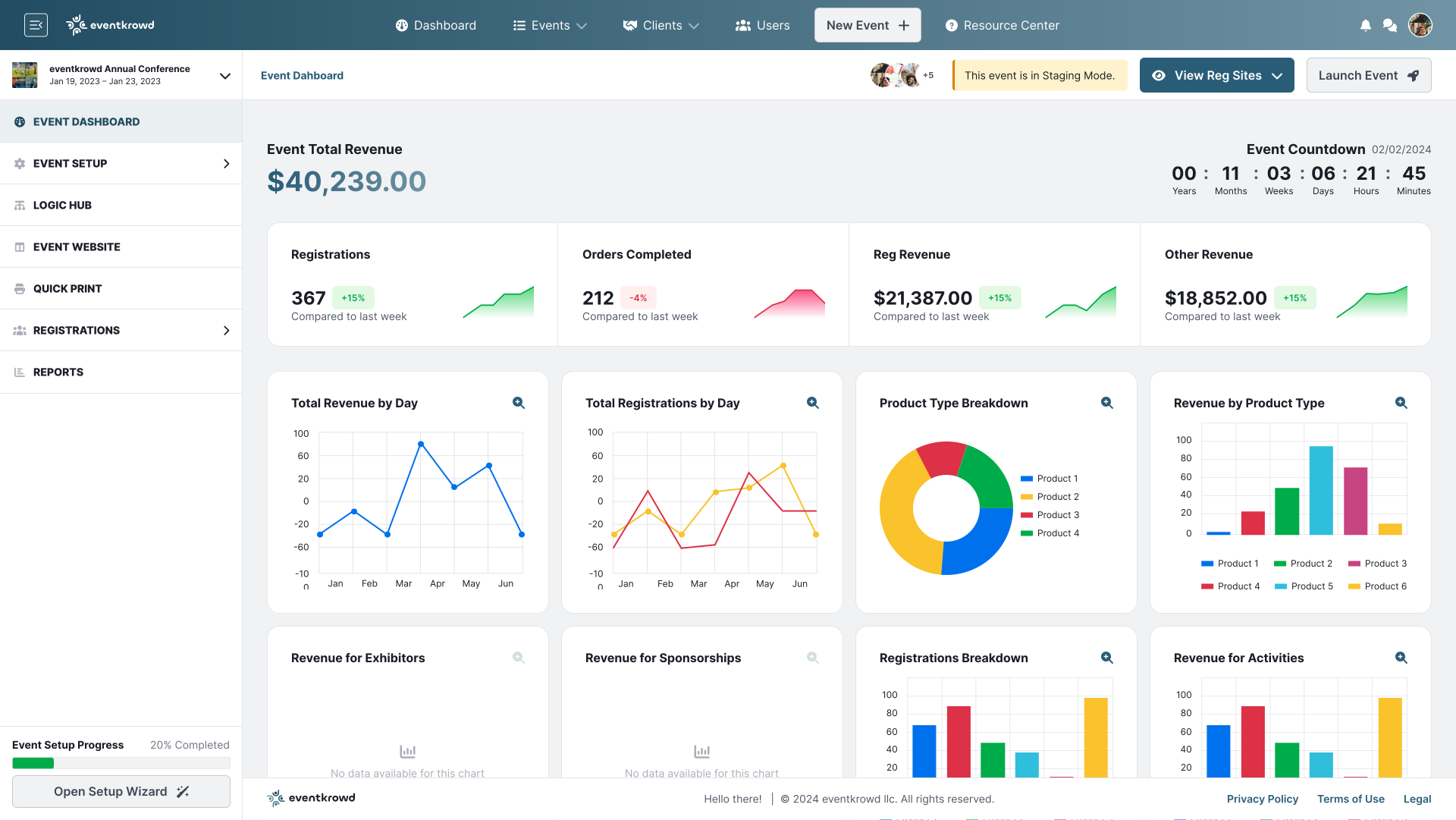
Set the scoring criteria and permissions for each judge. Define whether they can see other judges’ scores (blind judging) or if they can edit entries after submission. Locking down these permissions early prevents accidental changes and keeps the judging process transparent.
Send a test entry or ask judges to confirm their login credentials. Verify that they can access their assigned categories and that the scoring interface renders correctly on their devices. This final check catches technical glitches before the first real submission arrives.
By following these steps, you create a structured environment where judges feel supported and entries are treated with consistency. A well-configured panel is the foundation of a trustworthy contest.
Configure scoring rubrics
Fair evaluations start with clear criteria. When judges understand exactly what they are looking for, subjective bias drops out of the equation. Most contest management platforms allow you to build custom scoring rubrics that break down complex projects into measurable parts. This ensures every entry is judged against the same standards, regardless of which judge reviews it first.
Start by defining the core dimensions of your contest. Instead of a single "Overall Score" box, create specific categories like "Creativity," "Technical Execution," or "Clarity of Argument." Assign a weight to each category based on its importance to your contest goals. For example, if you are running a design hackathon, "Technical Execution" might carry 40% of the score, while "Creativity" carries 30%.
{
  "rubric": {
    "title": "Design Submission Review",
    "categories": [
      {
        "name": "Technical Execution",
        "weight": 0.4,
        "maxPoints": 10,
        "criteria": [
          "Code quality and structure",
          "Performance and scalability"
        ]
      },
      {
        "name": "Creativity",
        "weight": 0.3,
        "maxPoints": 10,
        "criteria": [
          "Originality of concept",
          "Visual appeal"
        ]
      }
    ]
  }
}
Once the structure is set, add descriptive guidelines for each criterion. A simple "1-5 scale" is often too vague. Instead, provide concrete examples: "5 = Exceptional innovation with clear user benefit" vs. "3 = Solid execution with minor flaws." This reduces the mental load on judges and keeps scores consistent across different reviewers.
Train judges on the system
A judging platform is only as fair as the people using it. Before you open the doors to submissions, you need to ensure every judge understands how to use the interface and apply the scoring criteria consistently. This calibration phase prevents the "grade inflation" or "strict grader" bias that often skews contest results.
Most modern platforms, such as Award Force or Judgify, include built-in training tools designed to simulate the actual judging environment. These features allow you to create practice rounds where judges can score dummy entries without affecting real results. This low-stakes environment is essential for identifying confusion before it impacts the integrity of your contest.
Run a practice round
Create a test batch of 5-10 sample submissions that represent a range of quality levels. Invite your judges to a private practice session where they score these entries using the official rubric. This exercise highlights ambiguous scoring guidelines and helps judges calibrate their internal standards against each other.
Review calibration reports
After the practice round, use the platform’s analytics dashboard to compare judge scores. Look for significant deviations where one judge consistently scores higher or lower than the group. Use these discrepancies to discuss specific scoring criteria in a brief calibration meeting, ensuring everyone interprets the rubric identically.
Finalize guidelines
Once judges demonstrate consistent scoring behavior, lock the judging guidelines. Ensure the platform’s scoring interface is fully configured with the correct weightings and mandatory fields. This final step guarantees that when live submissions arrive, the judging process is streamlined, transparent, and focused on fair evaluation.
Compare top platforms
Choosing a contest management platform is less about finding the cheapest option and more about finding the one that best protects your judging integrity. Since "fair evaluations" is your primary goal, you need a system that minimizes human error and bias at every stage.
We have compared four leading platforms based on their ability to support rigorous judging workflows. The table below highlights how each handles blind reviews, multi-round scoring, and general ease of use.
| Platform | Blind Review | Multi-Round Scoring | Ease of Use | Pricing |
|---|---|---|---|---|
| Judgify | Yes | Yes | High | Subscription |
| Award Force | Yes | Yes | Medium | Per Contest |
| Launchpad6 | Limited | No | High | Free Trial/Custom |
| Reviewr | Yes | Yes | Medium | Per Entry |
Judgify and Award Force are the most robust choices for serious competitions requiring strict anonymity and complex scoring rubrics. Reviewr is a strong alternative if you pay per entry, as it scales costs with your volume. Launchpad6 is better suited for simpler contests where user-generated content and voting are the primary focus, though it lacks some of the advanced blind review features found in competitors.
When testing these platforms, look for a trial period that allows you to simulate a full judging cycle. This will reveal how intuitive the interface is for your judges, which is often the biggest factor in whether they complete their evaluations promptly and accurately.
Finalize your setup checklist
Before you go live, run through this verification sequence to ensure your contest management platform is configured for fair evaluations. Skipping these steps often leads to scoring inconsistencies or entry data loss.
Double-check that every scoring rubric in the system matches your documented guidelines. If the platform’s default weights differ from your intended fairness standards, adjust them now so judges aren’t biased by default settings.
Log in as a judge using a test account. Use the interface to complete the full scoring workflow to ensure it is intuitive and that all required fields are mandatory. A confusing interface leads to rushed, unfair scores.
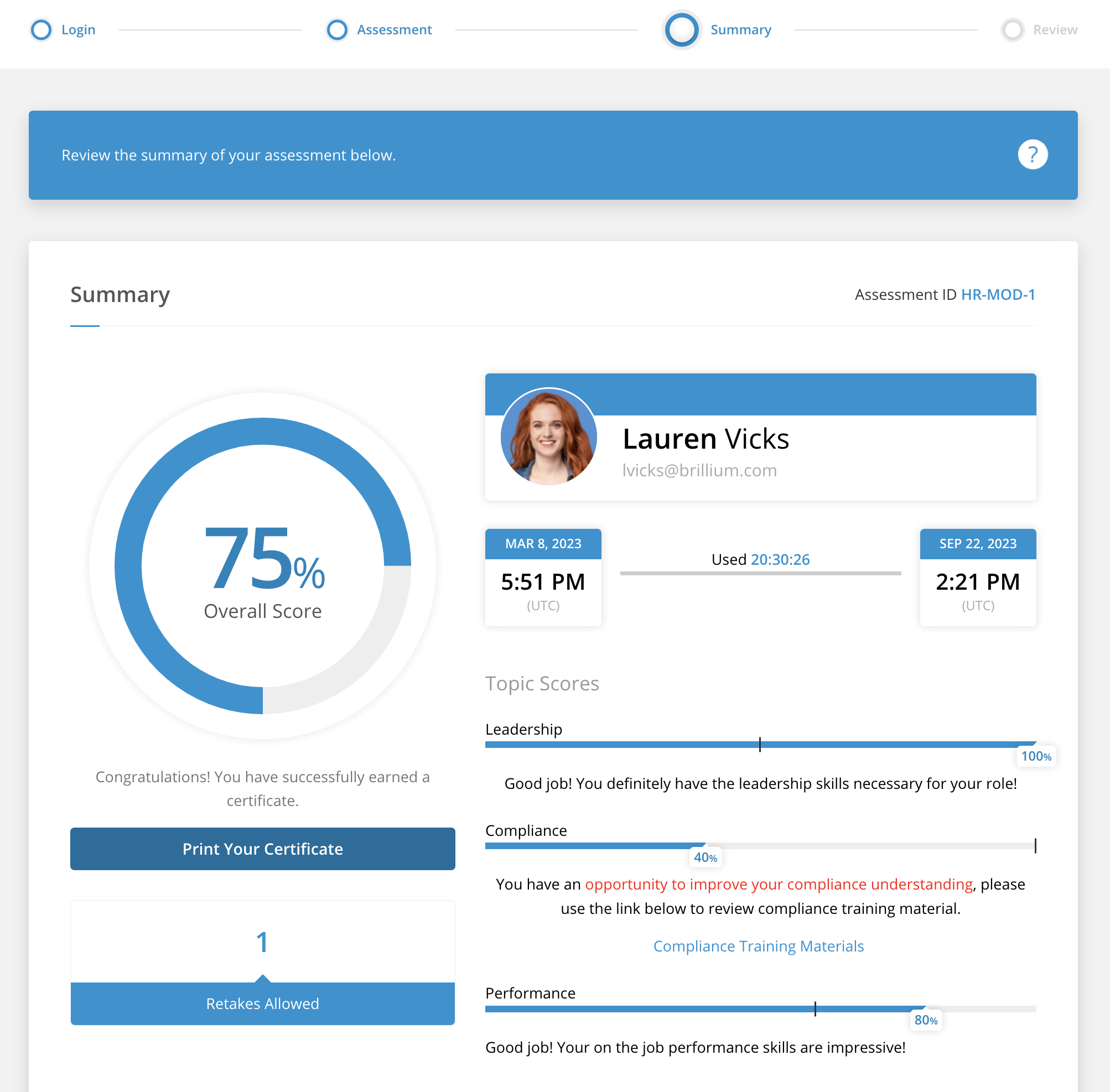
Upload a sample batch of entries and verify that all attachments, metadata, and participant details import correctly. Check that the randomization algorithm properly shuffles entries to prevent bias.

Ensure automated emails are configured for key milestones: entry confirmation, judging assignment, and result notification. Test these triggers to confirm they reach the right inboxes without delay.
Common questions about judging software
Choosing a contest management platform can feel like a maze of features. Focus on how the tool supports fair evaluations and simplifies your workflow. Here are answers to the most frequent questions organizers ask.
No comments yet. Be the first to share your thoughts!